Claude Training
Claude Training for Your Team.
Hands-on training that shows your team how to use Claude for their own work, from everyday requests to building small apps of their own.
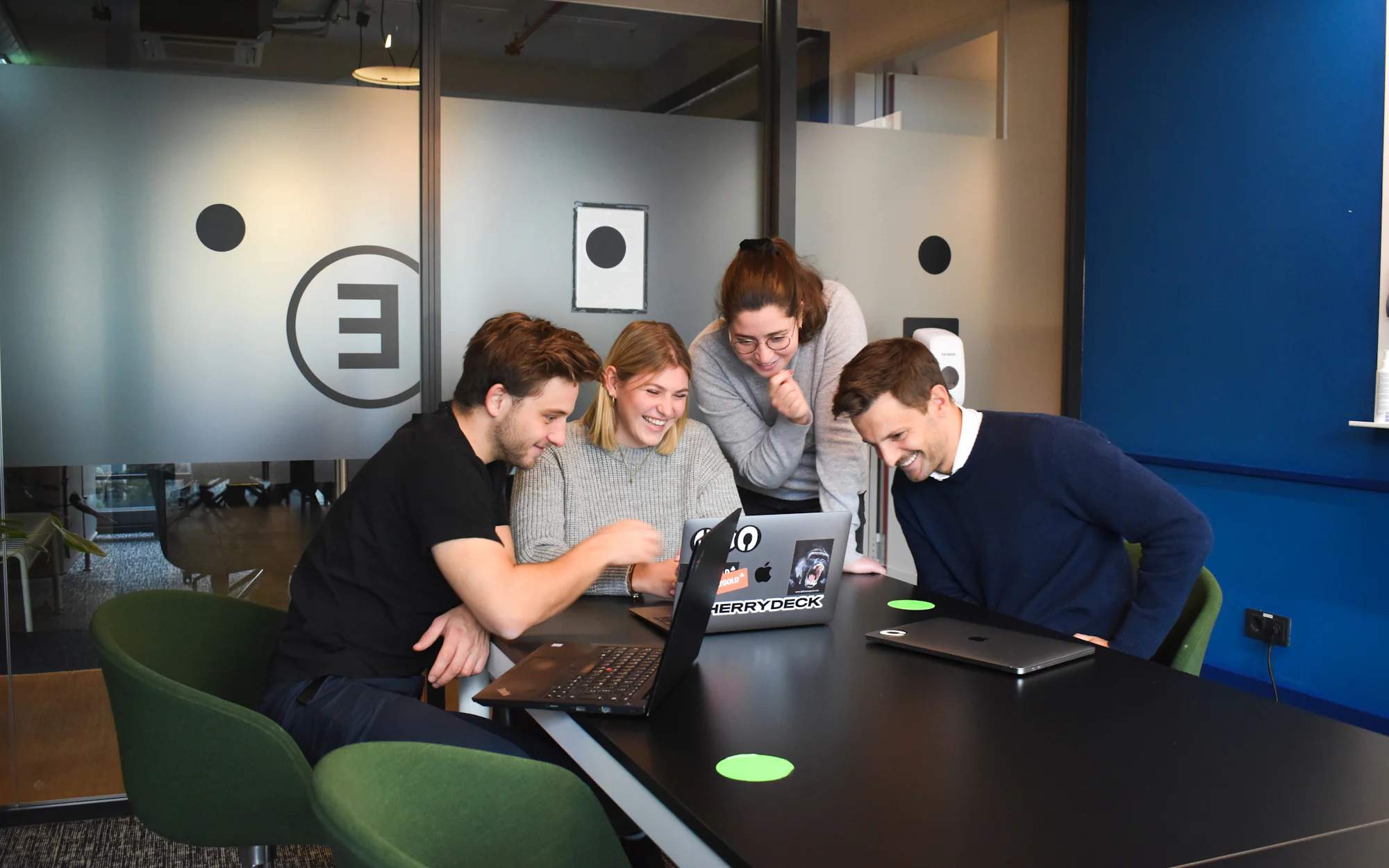
Every session is built on your team’s real tasks, so people leave with requests and tools they can use the next morning.
What the Training Covers.
Everyday Claude
Writing clear requests, using projects and files, and checking what comes back.
Connectors
Linking Claude to the email, calendar and documents your team already uses, and what to allow.
Building your own apps
Turning a request into a small app, then installing it on Mac or Windows with Install as app.
Safe use at work
Permissions, full access, apps from other people and what never to share with any AI tool.
Your own tasks as exercises
We plan the session around the jobs your team repeats, not generic examples.
Notes to keep
A written guide of the requests and settings that worked in the session.
Not Sure It Fits Your Business?
Tell us what you need. We reply within one business day with an honest view of what would work.
Why Train Your Team on Claude
Most people try an AI tool a few times, get a generic answer and stop. The difference usually comes from knowing how to ask, what to give it and how to check the result.
Training gives your team a shared way of working with Claude, so good habits spread and the time saved is not limited to one keen person.
Built on Your Own Work
Before the session we ask what your team spends its week on. The exercises use those jobs: the reports, replies, briefs and checklists people really write.
That way the training ends with working requests and settings for your business, not a list of tips to try later.
From Chat to Apps on Your Desktop
Since November 2026, something Claude builds in a chat can be installed as an app on Mac or Windows, with its own icon and window. With permission, it can send notifications, sit in the menu bar and use your connected services.
We show your team how to describe a small tool clearly, test it, change it in the chat and install it, so the person who knows the job can build the tool for it.
Safe From the First Day
Anthropic does not review apps before they are installed, and an app can ask for full access to a computer. Your team learns what each permission means and when to say no.
We also cover what not to put into any AI tool, and how Team and Enterprise settings let an administrator decide what apps in your organisation may do.
How the Training Runs.
- 01
A short call
Who is joining, which tools you use and which jobs take the most time.
- 02
The session plan
Exercises built from your own work, sent to you before the day.
- 03
Hands-on training
Your team works through the exercises in Claude, with us alongside.
- 04
Follow-up
Your written guide, and answers to the questions that come up afterwards.
Every Project
Made Around You, Refined With You.
Tailored to your needs
Every project is shaped around your business and your goals, so it works the way you need and looks the way you pictured it.
Revisions included
We refine the work with you, round by round, until it is right, and nothing is signed off before you are happy.
Grows with you
As your business changes, we build on what we made together: new features, pages, materials or automations, without starting again.
Want Your Team Confident With Claude?
Tell us who would join and what they spend their week on. We will suggest a training plan.
Ask about Claude trainingConsulting & Training
Related Services.
AI Consultant
Clear, practical AI consultancy that shows where AI can save your team time, cut costs and improve customer experience.
View serviceScale With Claude
Claude can now turn a plain request into a small app that runs on your desktop, built around the way your business works.
View serviceAI Automation Agency
We build AI agents and automations that take routine work off your team: enquiries, email, bookings, follow-ups and website updates.
View serviceAI Agents for Business
An AI agent is given a job and works through it using the tools you connect: your inbox, your calendar, your website.
View serviceAI Chatbots for Websites
We build AI chat assistants that answer your customers' questions day and night, in your brand voice.
View serviceAI Receptionist
We build AI receptionists that pick up your phone, answer questions and book appointments, in a natural voice and with your business's details.
View serviceCustom AI Connectors
We build custom connectors that link the AI model of your choice to your website, your CMS and your automations.
View serviceAI Article Writer
We build AI writing agents that research a topic, plan the article and draft it in your brand voice, ready for search.
View service
FAQ
Frequently Asked Questions.
Business owners and teams who use, or want to use, Claude in their daily work. No technical background is needed. We adjust the session to the people in the room.
Not to start. Anthropic says Install as app is rolling out on every plan, the free one included. For a team, a Team or Enterprise plan adds shared settings and lets apps made by colleagues be trusted. We cover the choice in the session.
Yes, if you want to. We show how to ask Claude for a small tool, test and change it, and install it on Mac or Windows. Installed apps are not available on phones, the web or Linux yet.
It can be, with care. Anthropic does not review apps before you install them, so full access should only go to apps you made or fully trust. The training explains each permission in plain words.
Yes. See our Scale Your Business With Claude page: we map how you work and build the apps in your own Claude account.
Each session is priced on its own, depending on its length and the size of the team. You get a clear breakdown before you commit to anything.
Every project includes revision rounds, and we don't consider work delivered until you're satisfied. If something isn't right, we want to know immediately; we'd rather fix it than have a client unhappy. Our process is built around regular check-ins and sign-off stages so there are no surprises at the end.
Yes. Nothing is off the shelf. We start from how your business works and what you want to achieve, then shape both the functionality and the design around it, with your feedback at each stage.
From the Blog
Related Reading
- 26 November 2026AI & Tech
Claude Apps Explained: What They Mean for Small Businesses
Claude can now turn a chat into an app on your desktop. What Claude apps are, what they can do, where they stop and how a small business can use them.
11 min read - 30 January 2026AI & Tech
ChatGPT for Business: Practical Ways to Save 5 Hours a Week
Beyond blog posts - the AI workflows our team uses daily to save hours on proposals, email, and content briefs, with real prompts you can use today.
6 min read - 20 March 2026AI & Tech
AI Tools Every Small Business Should Be Using Right Now
The best AI tools for small businesses in 2026 - from writing and image editing to automation. Honest takes on what's genuinely useful and what isn't.
8 min read


